
Kinsta Security for WordPress: Malware, Backups, and Bot Control
Kinsta Security for WordPress: Malware, Backups, and Bot Control
Disclosure: This article contains an affiliate link. If you sign up through the Kinsta link, I may earn a commission at no extra cost to you. I only recommend hosting when it fits the website, workflow, and business budget.
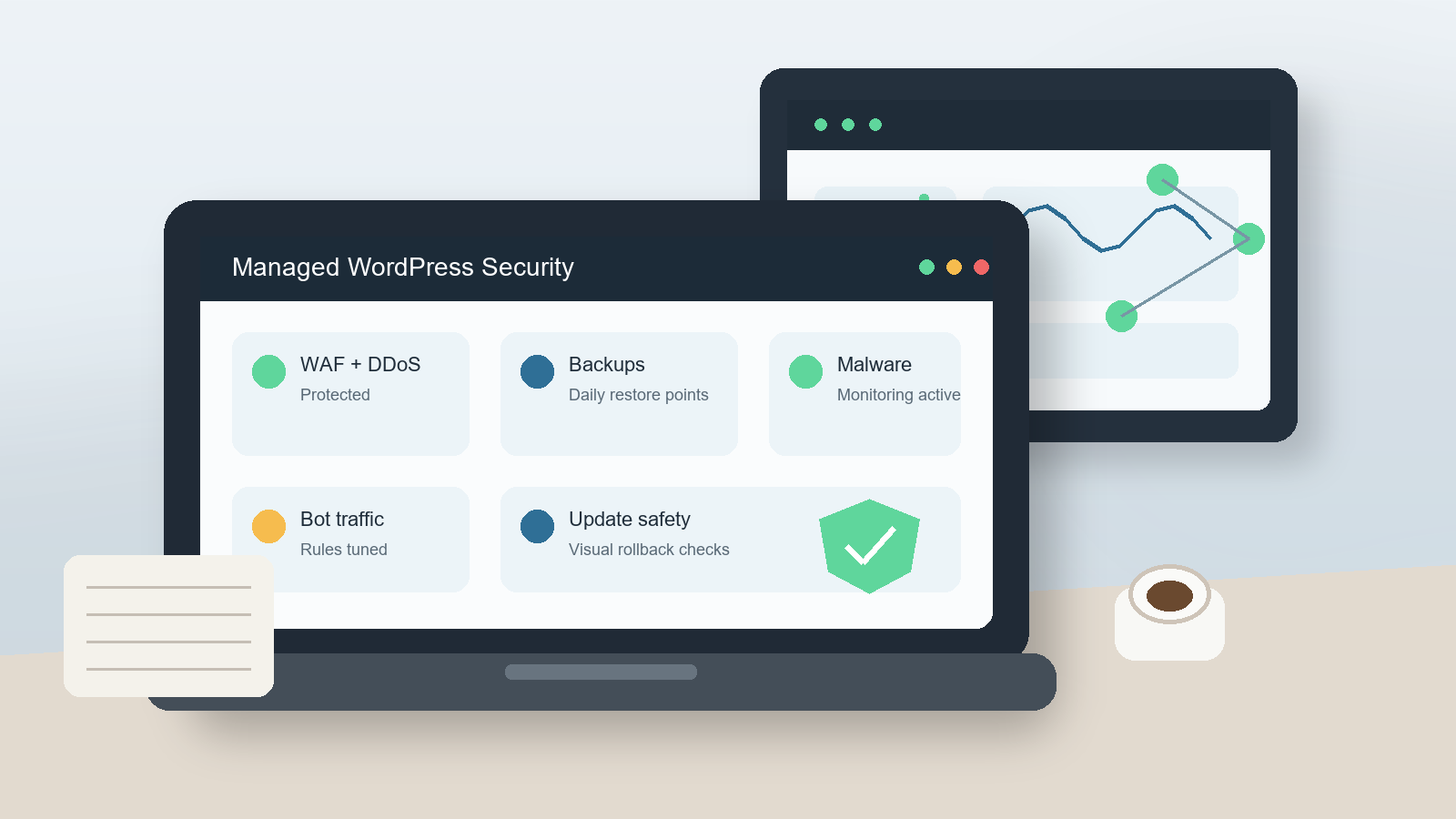
WordPress security is not one setting, one plugin, or one host promise. It is a stack of choices: clean code, maintained plugins, strong user access, reliable backups, controlled traffic, safe updates, useful logs, and a support team that can help when something goes wrong. That is why managed hosting can matter for business websites. The question is not whether Kinsta can magically make WordPress risk-free. It cannot. The better question is whether Kinsta gives a freelancer, agency, or business owner a stronger operating environment for preventing incidents and recovering from them.
From my perspective as a freelance web developer with 10 years of WordPress experience, Kinsta is most interesting when security has become an operations problem: several admins, client handoffs, outdated plugins, uncertain backups, traffic spikes, bot noise, malware anxiety, and no clear incident process. If the site is important enough that downtime, hacked pages, or broken plugin updates would hurt revenue or reputation, a managed platform can be easier to justify than a cheap host plus a pile of plugins.
If you are comparing options, review Kinsta’s managed WordPress hosting alongside your actual maintenance needs, not just the monthly hosting price.
Quick Answer: Is Kinsta Good for WordPress Security?
Kinsta is a strong fit for WordPress sites that need managed infrastructure security, backups, bot controls, staging, monitoring, and expert support in one place. It is especially useful for business sites, agencies, ecommerce projects, membership sites, and client portfolios where response time and recovery process matter.
It may be more than you need for a small brochure site with low traffic, no lead generation, no ecommerce, and a tight budget. Even then, the decision should be based on risk: how much would it cost if the site was down, infected, or rolled back incorrectly?
What Kinsta Currently Says It Provides
I checked current official Kinsta pages before writing this. Kinsta’s security page describes infrastructure-level protection that includes Cloudflare-powered edge protection, a firewall, DDoS protection, site monitoring, bot protection, isolated containers, daily backups, free malware removal in covered cases, role-based access, two-factor authentication, and free wildcard SSL certificates. Kinsta’s infrastructure documentation adds that each WordPress site runs in an isolated software container and that traffic is routed through Cloudflare with a managed web application firewall and DDoS protections.
The important detail is that these are platform controls. They reduce common hosting and traffic risks, but they do not remove the need for good WordPress maintenance. Weak passwords, abandoned plugins, nulled themes, unsafe custom code, and poor admin habits can still create problems on any host.
The Security Features That Matter in Real WordPress Work
1. Isolated Site Containers
Kinsta documents that each WordPress site runs in its own container with its own software resources. In plain English, this means a site is not casually sharing the same runtime environment with unrelated sites in the way many low-cost shared hosting accounts do. For agencies, that isolation is useful because one compromised or overloaded site should not automatically create server-level risk for every other client site.
This does not mean every site in a portfolio is immune from the same bad plugin, shared admin password, or risky developer process. It means the hosting architecture gives you a better starting point for containment.
2. Cloudflare-Powered WAF and DDoS Protection
Kinsta says all web traffic is routed through Cloudflare and that its managed firewall protects against malicious traffic and DDoS attacks at the edge. For a normal business owner, the practical benefit is simple: many abusive requests can be challenged or blocked before they reach WordPress.
That matters because WordPress is often attacked through predictable paths: login attempts, vulnerable plugin endpoints, XML-RPC abuse, spam forms, and aggressive crawlers. A firewall does not excuse lazy updates, but it can reduce pressure on the site and give the developer fewer emergencies to chase.
3. Bot Protection and AI Crawler Controls
Bot traffic has become a bigger maintenance issue. Some bots are useful, such as search engine crawlers. Others scrape, spam, overload dynamic pages, or inflate analytics. Kinsta’s Bot Protection page says the feature includes four preset protection levels, Cloudflare bot scoring, verified bot handling, bulk controls, traffic analytics, and the ability to block AI crawlers from MyKinsta.
For freelancers, the value is control. I do not want to blindly block every bot, because that can hurt indexing, monitoring, API integrations, and legitimate services. I want to see patterns, allow trusted traffic, and challenge or block traffic that is wasting resources. That is also why Ricky’s older guide to Google Analytics 4 setup is still relevant: cleaner traffic controls make analytics easier to interpret, but you still need measurement configured correctly.
4. Malware Removal and the Security Pledge
Kinsta’s malware removal documentation says customers can benefit from its Security Pledge if a WordPress site is hacked while hosted at Kinsta. The documented process can include inspection, deep file scans, repair of WordPress core with a clean copy, and identification and removal of infected plugins or themes.
There are important limits. Kinsta says the pledge does not apply to sites using nulled plugins or themes, does not cover non-WordPress software or custom scripts, and may require customer follow-up steps such as updating plugins, replacing compromised components, reviewing admin users, and changing passwords. That is fair, and it is exactly why a balanced review matters. Malware support is valuable, but it is not a license to run unsafe software.
If you are moving a questionable or neglected site, Kinsta also says malware found during migration can be handled as part of the process. That can be useful when inheriting a client site that has unknown history, old admins, suspicious files, or years of plugin churn.
5. Backups and Disaster Recovery
Kinsta’s WordPress hosting documentation says managed WordPress plans include daily backups with minimum retention, and the pricing page shows backup retention varies by plan. Its backups documentation also describes manual backups, downloadable backups, hourly backup add-ons, and external backup add-ons for Amazon S3 or Google Cloud Storage. The disaster recovery documentation says Kinsta also keeps machine-level snapshots every eight hours for 24 hours, though those are not available directly in MyKinsta and may require team restoration.
For client work, backup quality is not just about whether a backup exists. I want to know: can I restore it, how far back can I go, can I download a copy, what happens before plugin updates, and who approves a rollback? Ricky’s guide on common WordPress launch problems is a useful reminder that backups, redirects, forms, DNS, analytics, and cache clearing all need to be checked during real launches.
Where Kinsta Helps Most
| Situation | Why Kinsta Helps | What Still Needs Human Work |
|---|---|---|
| Business lead-generation site | Managed security, backups, uptime monitoring, SSL, and support reduce operational risk. | Form testing, analytics, conversion tracking, and content quality. |
| Agency managing client sites | Centralized access, staging, backups, bot controls, and support create a repeatable workflow. | Least-privilege roles, client approvals, deployment process, and reporting. |
| Site with frequent updates | Backups, staging, and optional update automation can reduce update anxiety. | Compatibility checks, visual QA, plugin licensing, and rollback decisions. |
| Site with bot or crawler pressure | Bot Protection can challenge, block, allow, and analyze automated traffic. | Allow lists, SEO checks, API exceptions, and analytics review. |
| Previously infected site | Migration scans, malware response, and isolation can help establish a cleaner baseline. | Replacing bad plugins, removing unknown users, changing passwords, and ongoing maintenance. |
Who Kinsta Is Best For
- Small businesses that depend on leads: If the website drives quote requests, bookings, calls, or local trust, downtime and malware are business issues, not only technical issues.
- Freelancers and agencies: Kinsta can help standardize staging, backups, access, performance checks, support, and security response across client sites.
- Ecommerce and membership sites: These projects often need stronger backup planning, cache exclusions, update testing, and incident handling than a static brochure site.
- Growing content sites: Bot traffic, AI crawlers, analytics noise, plugin updates, and editorial workflows become more important as the site grows.
- Inherited WordPress sites: If you do not trust the old hosting setup, Kinsta’s migration and malware-related processes can help with a cleaner transition.
Who May Not Need Kinsta Yet
- Very small low-risk websites: A personal site with no revenue, no forms, and low traffic may not justify premium managed hosting.
- Teams with strong infrastructure skills: If you already manage cloud infrastructure, firewalls, backups, deployment, monitoring, and incident response well, Kinsta may duplicate work you prefer to control yourself.
- Projects that only need the cheapest possible hosting: Kinsta is positioned as premium managed WordPress hosting. If the only buying factor is the lowest monthly cost, it probably will not win.
- Sites running risky or unsupported software: Nulled themes, abandoned plugins, and unmanaged custom scripts are not made safe just by moving hosts.
Pros and Cons of Using Kinsta for Security
| Pros | Cons or Cautions |
|---|---|
| Infrastructure-level protections, including Cloudflare integration, WAF, and DDoS protection. | Hosting security does not replace WordPress maintenance, strong passwords, or careful plugin choices. |
| Isolated containers reduce cross-site hosting risk. | Shared admin habits, reused passwords, and unsafe workflows can still affect multiple sites. |
| Bot Protection gives more control over automated traffic and AI crawlers. | Incorrect bot rules can disrupt SEO crawlers, APIs, monitoring tools, or integrations. |
| Backups, staging, and restore tools support safer updates and recovery. | Retention, add-ons, and restore strategy should be checked against current plan details. |
| Malware response support can reduce panic during an incident. | The Security Pledge has limits, especially around nulled software, custom scripts, and customer follow-up steps. |
| Central dashboard is useful for freelancers and agencies managing several client sites. | A central dashboard still needs role discipline, two-factor authentication, and documented ownership. |
A Practical Kinsta Security Setup Checklist
Before Migrating
- Audit current WordPress admins and remove users who no longer need access.
- Update or replace abandoned plugins and themes before migration when possible.
- Remove nulled software completely. Do not migrate known-bad components into a new host.
- Take a full offsite backup from the existing host.
- Document DNS, email, forms, payment gateways, analytics, cron jobs, and third-party integrations.
- List high-value pages and workflows that must be tested after migration.
Inside MyKinsta
- Use individual accounts for every developer, stakeholder, and contractor.
- Enable two-factor authentication and assign the lowest role that still lets each person do the job.
- Confirm SSL, domains, redirects, and DNS records before launch.
- Review backup retention for the selected plan and decide whether hourly or external backups are needed.
- Configure Bot Protection carefully, then allow trusted bots, APIs, and monitoring tools.
- Create a staging-first update process for plugin, theme, PHP, and custom-code changes.
- Document who can approve restores, migrations, and production pushes.
After Launch
- Test contact forms, checkout, account login, search, menus, redirects, and analytics.
- Check that cache behavior is correct for dynamic pages. The principle from WordPress cache tuning still applies: cache layers must be understood and tested, not stacked blindly.
- Monitor 404s, server errors, spam submissions, login attempts, and unusual traffic spikes.
- Schedule a monthly access review so old contractors and client staff do not keep access forever.
- Review plugin updates on staging before touching business-critical pages.
How I Would Explain Kinsta to a Client
I would not tell a client, “Kinsta means your site cannot be hacked.” That is not true of any WordPress host. I would say this instead:
Kinsta gives us a managed WordPress environment with stronger infrastructure security, backups, staging, bot controls, monitoring, and support. That helps us prevent common incidents and recover faster when something happens. We still need ongoing maintenance, safe plugins, strong passwords, careful updates, and regular testing.
That explanation builds trust because it sets the correct expectation. It also makes the hosting recommendation easier to defend. The client is not paying only for server space. They are paying for a workflow that makes maintenance, updates, and emergency response more predictable.
For clients still deciding whether a site needs broader care, Ricky’s article on when to update your website pairs well with a hosting review. Security, performance, design, and content usually age together.
Pricing Notes
Kinsta pricing and plan limits can change, so I would not build a client proposal around copied prices from a blog post. Kinsta’s current pricing page shows plans organized by single sites, multiple sites, agencies, and enterprise needs, with resources such as installs, bandwidth or visits, storage, CDN bandwidth, and backup retention varying by plan.
Before buying, compare the plan against the site’s risk profile: traffic, revenue dependency, number of admins, update frequency, ecommerce or membership features, backup needs, and whether the client needs agency-level workflow. You can check Kinsta’s current plans directly before making a decision.
FAQ
Does Kinsta replace a WordPress security plugin?
For many sites, Kinsta covers several infrastructure-level concerns that security plugins try to handle, including firewall, DDoS, malware monitoring, bot controls, SSL, backups, and support. But a security plugin may still be useful for site-level needs such as activity logs, specific login policies, file change alerts, or custom rules. Decide based on the site’s actual risk and avoid overlapping tools that create noise.
Will Kinsta fix malware for free?
Kinsta’s malware removal documentation says its Security Pledge can apply when a WordPress site is hacked while hosted at Kinsta, but there are limits. Nulled plugins or themes, non-WordPress software, custom scripts, and customer follow-up requirements matter. Read the current malware removal terms before promising anything to a client.
Do I still need backups if Kinsta creates daily backups?
Yes, you still need a backup strategy. Daily backups are useful, but some sites need hourly backups, downloadable backups, external backups, or special pre-update restore points. Ecommerce, membership, learning, booking, and high-update content sites often need more than a basic daily restore plan.
Can bot protection hurt SEO?
Any bot control can cause problems if configured carelessly. Kinsta says verified search bots are handled so legitimate crawlers can pass through, but you should still monitor indexing, Search Console, analytics, server logs, and any third-party services that access the site. Do not block first and ask questions later.
Is Kinsta worth it for freelancers?
It can be worth it when the freelancer is responsible for serious client sites and needs a repeatable workflow for staging, backups, security, performance, access, and support. It is harder to justify for very small, low-risk projects where the client only wants the lowest monthly hosting bill.
What should I do before moving a hacked site to Kinsta?
Document symptoms, take a full backup, remove obvious abandoned or nulled software, list active users, save access details securely, and tell Kinsta about the infection during the migration process. After cleanup, change passwords, review admins, install fresh plugin copies, and set up a maintenance plan.
Final Take
Kinsta is not a magic shield around WordPress. It is a managed hosting platform with security and recovery tools that can make WordPress operations more disciplined: isolated containers, Cloudflare-powered protection, bot controls, backups, staging, monitoring, malware support, and team access controls.
For a business site that creates leads or revenue, that discipline can be worth paying for. For a freelancer or agency, it can also reduce the number of one-off hosting procedures you have to remember across clients. The strongest result comes when Kinsta’s platform is paired with a real maintenance process: safe updates, tested backups, access reviews, clean plugins, staging, analytics, and documented incident response.
If that matches your site or client workflow, Kinsta is worth adding to your hosting shortlist. If the site is low-risk, low-budget, or not maintained at all, fix the workflow first. Better hosting helps most when the people running the site are also willing to operate it professionally.