
AI Bot Traffic in WordPress: Verify Crawlers Before Blocking
AI Bot Traffic in WordPress: Verify Crawlers Before Blocking
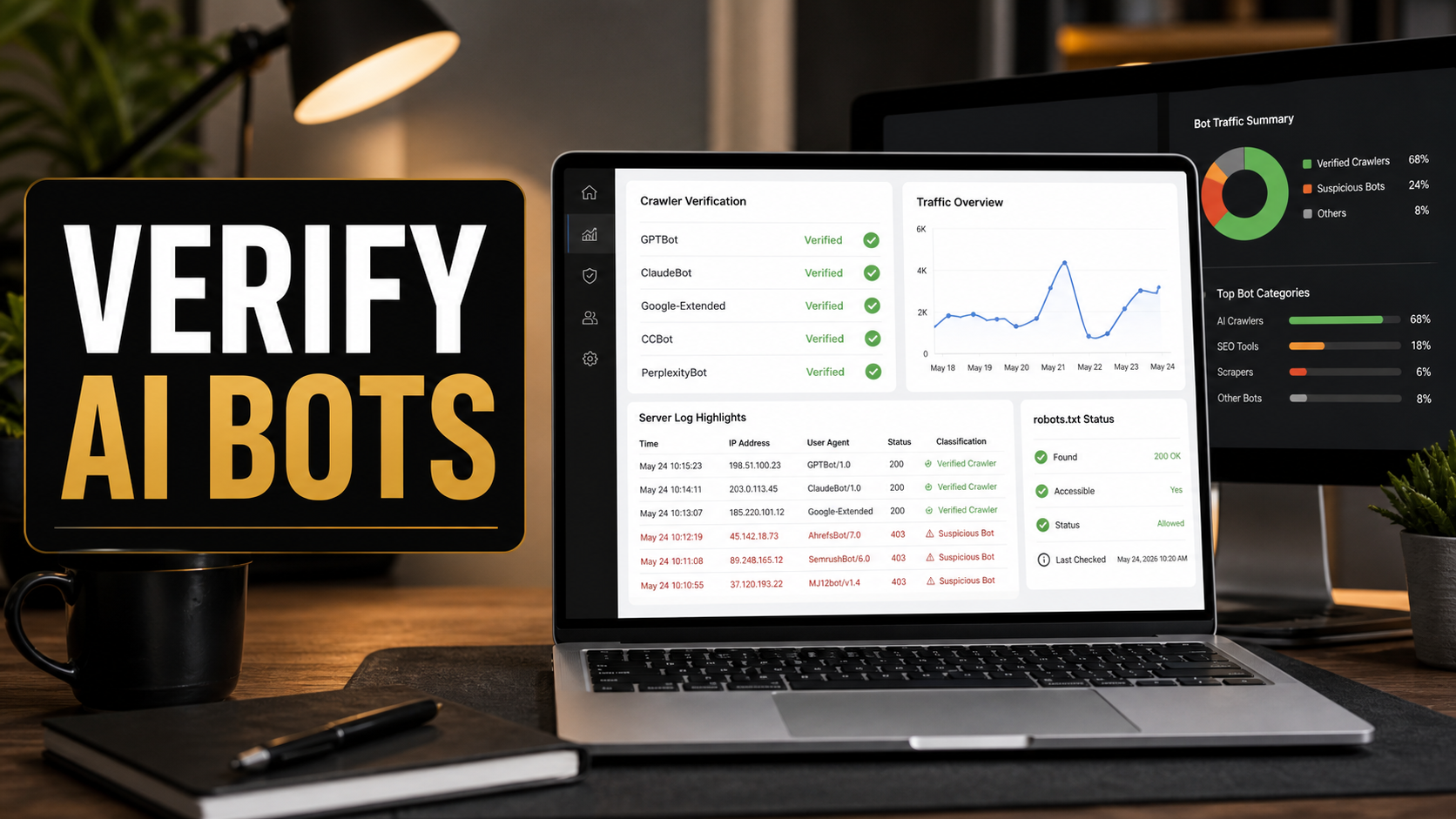
AI crawler traffic is no longer a background technical detail for WordPress site owners. It can affect analytics, hosting load, content visibility in AI search tools, and the decisions you make inside robots.txt. The practical problem is that a user agent name alone does not prove who visited your site. A request can claim to be Googlebot, GPTBot, OAI-SearchBot, ClaudeBot, or another crawler, while the IP address and behavior tell a different story.
My recommendation is simple: verify before you block. As a freelance web developer who has maintained WordPress sites for more than 10 years, I would rather build a small, repeatable crawler audit than react to one scary analytics spike. A good audit separates legitimate search crawlers, AI search crawlers, training crawlers, user-triggered fetchers, uptime monitors, security scanners, and fake bots pretending to be something useful.
This guide explains what changed recently, how to check AI bot traffic on a WordPress site, when robots.txt is enough, when server-level controls are needed, and how to avoid hurting your own SEO while cleaning up non-human traffic.
Quick Answer: What Should WordPress Site Owners Do?
If you see AI crawler or suspicious bot traffic on a WordPress site, do not block every unfamiliar user agent. First, confirm whether the traffic comes from a published crawler IP range or verified reverse DNS, compare the requested URLs against your robots.txt rules, and check whether the bot is creating hosting load, crawl waste, or analytics distortion. Then decide whether to allow, disallow, rate-limit, challenge, or block it.
The best first setup for most small business WordPress sites is:
- Keep Googlebot and other core search crawlers accessible unless there is a severe abuse issue.
- Allow AI search crawlers only if you want your content eligible for AI-powered discovery.
- Disallow training crawlers if your content policy requires it, but understand that robots.txt is a request, not a firewall.
- Use server logs or CDN logs for proof, not only plugin dashboards.
- Use analytics bot reports as a signal, then verify the source before changing access rules.
Why This Topic Matters Now
Search Engine Journal covered Microsoft Clarity’s June 2026 update that surfaces bot requests to URLs disallowed by robots.txt inside Clarity Bot Analytics. The useful part for WordPress owners is not just the dashboard itself. The bigger shift is that AI crawler behavior is becoming measurable enough for non-enterprise websites to review without manually parsing thousands of raw log lines.
Microsoft’s own announcement says Clarity can now show when bots request disallowed URLs, track violation trends, and filter by operator, bot name, activity type, URL, path, and content type. It also notes that WordPress sites using the latest Microsoft Clarity plugin can access AI Bot Activity automatically, while older plugin installs need an update.
That is useful, but it is not the same as enforcement. Robots.txt tells cooperative crawlers what you prefer. It does not stop a request from reaching the server. It also does not prove that a request labeled as a famous crawler is really from that crawler’s operator. That is why crawler verification belongs in your WordPress maintenance workflow, especially if you care about AI search visibility, server costs, and clean analytics.
Important Definitions
AI crawler
An AI crawler is an automated system that requests web pages for an AI-related purpose. The purpose can vary: search discovery, AI answer grounding, model training, ad landing page checks, user-triggered browsing, or product-specific fetches. Treating all AI crawlers as one category leads to bad decisions.
User agent
A user agent is the identifying string sent with an HTTP request. It is useful, but easy to fake. A fake bot can write “Googlebot” or “GPTBot” in the user agent string. Verification requires DNS checks, published IP ranges, or trusted CDN/server signals.
robots.txt
The robots.txt file is a public file at the root of a website that communicates crawl preferences. For a WordPress site, it may be generated dynamically by WordPress or served as a physical file. It is important for crawler management, but it is advisory. Use server-level rules, CDN firewall rules, authentication, or noindex/password controls when you need real access control.
What Changed With Microsoft Clarity Bot Analytics
Microsoft Clarity has been expanding bot reporting in 2026. Its Bot Analytics dashboard can show AI bot request volume, bot traffic share, pages crawled, request outcomes, and now robots.txt violations. The June 23, 2026 Clarity blog post says the new view checks bot requests against robots.txt directives and helps separate compliant and non-compliant traffic.
For WordPress owners, this turns a vague question – “Are bots crawling my site?” – into more specific questions:
- Which operators are requesting pages?
- Which URLs are attracting non-compliant requests?
- Are crawlers hitting admin, search, parameter, staging, cart, checkout, or private-looking paths?
- Are failed bot requests consuming hosting resources?
- Are legitimate discovery crawlers being blocked by mistake?
That last point matters. I have seen site owners overcorrect by blocking anything unfamiliar, then wonder why snippets, previews, ads validation, social previews, or AI search visibility degrade. Blocking should be precise.
Comparison: What Each Tool Can and Cannot Prove
| Tool or data source | What it is good for | What it cannot prove alone | Best next step |
|---|---|---|---|
| Microsoft Clarity Bot Analytics | Seeing bot activity trends, paths, operators, request status, and robots.txt violations in an easier dashboard. | It should not be treated as a complete firewall log or final identity proof for every request. | Use it to spot patterns, then verify high-impact bots with CDN or server logs. |
| Google Search Console | Checking Google crawling, indexing, page status, sitemap discovery, and search performance. | It does not report every crawler or every AI platform request to your server. | Use it before changing rules that might affect Googlebot. |
| CDN logs | Seeing IPs, user agents, status codes, edge blocks, cache hits, and country or ASN-level patterns. | They can be noisy and may need filtering before they become useful. | Export samples for suspicious paths and verify IP ranges. |
| Hosting access logs | Investigating exact server requests, especially when no CDN is in front. | They may miss edge-blocked requests and can be hard for non-technical teams to interpret. | Use them for proof when diagnosing load or fake bot claims. |
| WordPress security plugins | Finding blocked requests, login probes, XML-RPC abuse, and common bad-bot patterns. | They can mislabel traffic or miss requests handled before WordPress loads. | Do not rely on plugin labels alone for search crawler decisions. |
How To Verify Googlebot Before You Block Anything
Google’s official crawler verification documentation is the model I use for high-stakes crawler decisions. Google explains two methods: manual verification with reverse and forward DNS lookups, or automatic matching against Google’s published IP range JSON files. The manual approach checks whether the IP resolves to a valid Google crawler hostname and then resolves back to the same IP.
For a WordPress owner, the plain-English version is:
- Find the IP address from your server, hosting, or CDN log.
- Run a reverse DNS lookup on that IP.
- Confirm the hostname is in an expected Google domain, such as googlebot.com or google.com, depending on the crawler category.
- Run a forward DNS lookup on that hostname.
- Confirm it resolves back to the original IP.
If the reverse lookup and forward lookup do not match, do not treat the request as verified Googlebot. If you manage a larger site, use Google’s published crawler IP range files and automate the check instead of doing one-off lookups by hand.
How OpenAI Crawlers Should Be Treated Differently
OpenAI’s crawler documentation separates several user agents, and that distinction matters for WordPress SEO decisions. OAI-SearchBot is used for search surfaces in ChatGPT. GPTBot is associated with crawling that may be used for training OpenAI’s generative AI foundation models. ChatGPT-User is tied to certain user-triggered actions and is not an automatic web crawler in the same way.
That means a one-line “block OpenAI” rule can have consequences you did not intend. If a business wants possible visibility in ChatGPT search answers, blocking OAI-SearchBot may work against that goal. If the business mainly wants to opt out of training use, GPTBot is the more relevant user agent. The correct robots.txt policy depends on the business goal.
Here is a practical framing I use with clients:
- Visibility goal: Allow crawlers that support search discovery and answer grounding, assuming server load is reasonable.
- Content-control goal: Disallow training crawlers where the provider documents a specific robots.txt control.
- Security goal: Do not rely on robots.txt. Put private, staging, client, and paid assets behind authentication.
- Cost-control goal: Rate-limit or firewall abusive patterns at the CDN or server, based on logs.
WordPress Setup: A Practical AI Bot Audit Workflow
Step 1: Save the current state
Before changing robots.txt, CDN rules, or security plugin settings, document the current setup. Save a copy of your robots.txt output, active security plugin rules, CDN firewall rules, caching rules, and relevant analytics screenshots. This makes rollback possible if search visibility or site previews break.
Step 2: Check your robots.txt output
Visit your site’s robots.txt file in the browser. For most WordPress sites, that means going to https://example.com/robots.txt. Confirm that the file is not accidentally blocking important public content, CSS, JavaScript, images, or sitemap URLs. Also check whether SEO plugins are generating sitemap links correctly.
If you recently read my guide on fixing real WordPress HTML for AI SEO, this is the same principle: make the canonical public page crawlable and useful instead of creating confusing alternate paths for bots.
Step 3: Separate public content from protected content
Robots.txt is not the right tool for truly private content. If a page contains client files, staging previews, member-only resources, invoices, internal search results, or admin panels, use authentication or server-level restrictions. A disallowed robots.txt path can still be requested and can still reveal that the path exists.
For launch-related cleanup, I also recommend reviewing the basics in my WordPress website launch troubleshooting guide, because many crawler problems begin with staging URLs, duplicate environments, or forgotten test pages.
Step 4: Install or update your bot visibility tool
If you use Microsoft Clarity, update the WordPress plugin and confirm the site is connected correctly. If the site is behind a supported CDN such as Cloudflare, CloudFront, Fastly, Azure Front Door, or Akamai, check the AI Visibility or Bot Analytics setup. The goal is not to add another dashboard for the sake of it. The goal is to see which bots are touching which paths and whether robots.txt rules are being ignored.
Step 5: Pull a short log sample
Choose a recent 24- to 72-hour window and export a small sample from hosting or CDN logs. Filter by suspicious user agents, high request volume, repeated 404s, admin paths, search URLs, query strings, and disallowed paths. If a claimed search crawler is creating expensive traffic, verify it before blocking. If it is fake, block the pattern at the edge.
Step 6: Make one policy change at a time
Change one rule, then monitor. Do not rewrite robots.txt, add CDN blocks, install a new security plugin, and change caching all in the same hour. If search snippets, AI visibility, ad validation, or social previews break, you will not know which change caused it.
Sample robots.txt Decisions For AI Crawlers
The exact syntax depends on the crawler you are targeting and the provider’s documentation. Do not copy random user-agent lists from old blog posts without checking whether the names are still current.
| Business goal | Likely robots.txt direction | Extra protection needed? | Ricky’s note |
|---|---|---|---|
| Get found in AI search answers | Allow documented search/answer crawlers where appropriate. | Usually no, unless traffic volume becomes abusive. | Focus on clean HTML, structured headings, internal links, and accurate answers. |
| Opt out of model training | Disallow documented training crawlers such as those identified by the provider. | Maybe, if the content is sensitive or valuable. | Robots.txt is a preference signal; do not treat it as access control. |
| Protect client-only or paid content | Do not rely on robots.txt. | Yes. Use login, server rules, no public links, and proper permissions. | If it must stay private, it should not be publicly fetchable. |
| Reduce hosting load | Disallow low-value crawl paths and rate-limit abusive patterns. | Often yes, at CDN or server level. | Use logs to identify load drivers before blocking broad categories. |
| Clean analytics reports | Keep robots rules reasonable, then filter reporting where possible. | Sometimes, but analytics cleanliness is not the same as security. | Separate human conversion reporting from infrastructure protection. |
Troubleshooting Common Bot Traffic Problems
| Symptom | Likely cause | What to check | Best fix |
|---|---|---|---|
| Huge spike from a famous crawler user agent | Could be real demand or a spoofed bot. | IP range, reverse DNS, forward DNS, CDN ASN, requested URLs. | Verify identity first; rate-limit or block only if fake or abusive. |
Bots hitting /wp-admin/ or login paths |
Security scanning, credential stuffing, or bad-bot probing. | Security plugin logs, failed login logs, XML-RPC activity. | Use security hardening, login protection, and edge firewall rules. |
| AI bots requesting disallowed URLs | Non-compliant crawler, stale cache of robots.txt, or user-triggered fetch behavior. | Bot operator, exact user agent, request timing, robots.txt history. | Record evidence, verify identity, then decide between monitoring, rate limiting, or blocking. |
| Important pages missing from AI/search surfaces | Blocked crawler, noindex, poor HTML, weak internal links, or crawl errors. | robots.txt, meta robots, canonical tags, sitemaps, Search Console. | Fix crawlability and content structure before blaming AI platforms. |
| Server load rises but analytics looks normal | Bot requests may bypass analytics JavaScript or hit uncached paths. | Hosting logs, CDN cache status, request paths, status codes. | Cache public pages, block abusive paths, and limit expensive dynamic endpoints. |
Mistakes To Avoid
Blocking Googlebot because of a fake Googlebot
This is the most expensive mistake. If the traffic is fake, block the fake pattern. Do not block all Googlebot traffic without verification. Google’s documentation gives a clear method for verifying Google requests, and that should be your standard before making search-impacting changes.
Using robots.txt for private data
Robots.txt is public. It can tell crawlers what not to request, but it can also reveal paths you consider sensitive. Private content needs authentication, not just a disallow line.
Copying an aggressive AI crawler blocklist
Some blocklists mix training crawlers, search crawlers, user-triggered fetchers, SEO tools, uptime monitors, and archive services. That can hurt discovery, previews, diagnostics, and legitimate search visibility. Start with your business goal, then choose rules.
Ignoring crawl waste caused by WordPress URLs
WordPress can create crawl traps through internal search pages, faceted filters, calendar archives, tag sprawl, attachment URLs, and query parameters. Before blaming AI crawlers, check whether your own site structure is inviting unnecessary requests. My llms.txt and WordPress SEO guide explains why clean canonical pages still matter more than bot-specific shortcuts.
My Freelancer Recommendation
For most small business and service websites, I would not start with a hard anti-AI stance. I would start with a measurement stance. Let useful discovery crawlers reach strong public pages. Disallow training crawlers where the owner has a clear policy reason. Lock down private areas with real access control. Then monitor non-compliant and high-cost traffic through Clarity, CDN logs, and hosting logs.
For WooCommerce, membership, LMS, or client-portal sites, I would be stricter. Cart, checkout, account, search, internal dashboards, staging previews, and paid content should not be left to crawler politeness. These paths need proper noindex, cache rules, login protection, and server or CDN controls. If you recently handled a security incident or plugin vulnerability, pair this audit with a broader maintenance pass like the one in my WordPress security patch and verification checklist.
FAQ
Can robots.txt block AI crawlers?
Robots.txt can request that cooperative crawlers avoid certain paths. It does not physically block access. For real protection, use authentication, server rules, CDN firewall rules, or remove sensitive content from public URLs.
Should I block all AI bots on my WordPress site?
Usually no. Some AI-related crawlers may support search discovery or user-triggered answers. Others may be tied to training. Decide based on your business goal, content policy, and server impact.
How do I know if Googlebot is real?
Use Google’s verification process. Check reverse DNS for the IP, confirm the expected Google hostname, run forward DNS on that hostname, and confirm it resolves back to the same IP. Larger sites can automate checks using Google’s published IP range files.
Does Microsoft Clarity block bots that violate robots.txt?
No. The Clarity update is primarily a visibility and analysis feature. It can show bot requests that go against robots.txt rules, but enforcement still belongs in your CDN, server, WordPress security setup, or access-control layer.
Will blocking GPTBot remove my site from ChatGPT search?
OpenAI documents different user agents for different purposes. GPTBot is associated with training crawls, while OAI-SearchBot is associated with ChatGPT search surfaces. If your goal is ChatGPT search visibility, review OpenAI’s current crawler documentation before writing broad block rules.
Sources And Further Reading
- Search Engine Journal: Microsoft Clarity Now Flags Bots That Ignore Robots.txt
- Microsoft Clarity: Clarity Now Surfaces Robots.txt Violations in Bot Analytics
- Microsoft Clarity: Bot Activity in Microsoft Clarity
- Google Crawling Infrastructure: Verify requests from Google crawlers and fetchers
- OpenAI: Overview of OpenAI Crawlers