
GPT-5.5 Instant for WordPress Freelancers: A Practical AI Workflow
GPT-5.5 Instant for WordPress Freelancers: A Practical AI Workflow
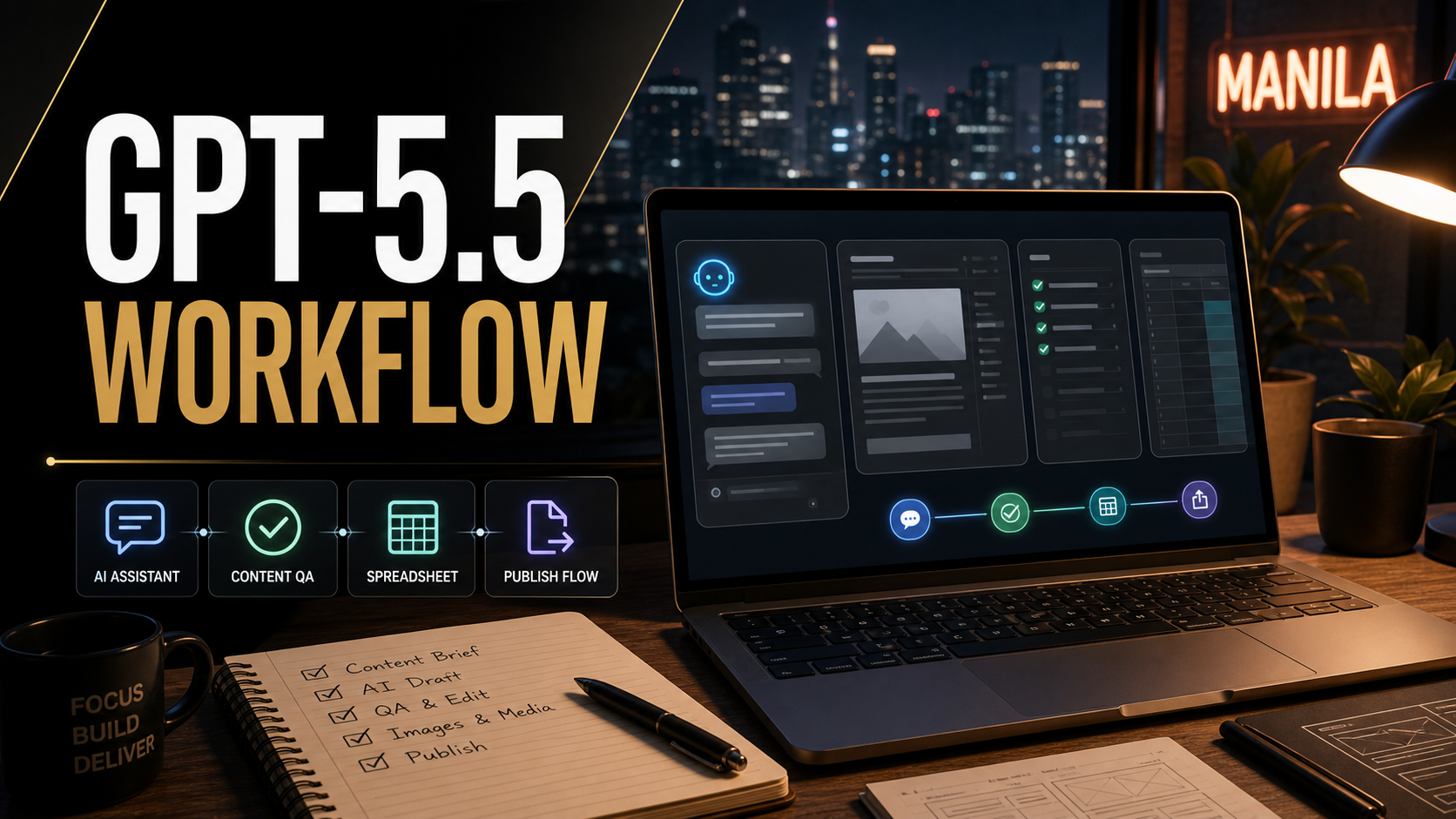
OpenAI’s GPT-5.5 Instant update is the kind of AI release that matters more in daily work than it does in a launch headline. It is not just a new model name for people who like testing every button inside ChatGPT. According to OpenAI’s official announcement, GPT-5.5 Instant is replacing GPT-5.3 Instant as the default ChatGPT model, with stronger factuality, shorter answers, better image understanding, more useful web-search decisions, and improved personalization when memory or connected context is allowed. For a WordPress freelancer, that combination affects the small jobs that eat the day: scoping a client request, reviewing content, checking a landing page, preparing an SEO brief, finding holes in a support article, and turning rough notes into publishable work.
My take as a freelance web developer with 10 years of WordPress experience: GPT-5.5 Instant is most useful when you treat it as a fast planning and review assistant, not as an autopilot publisher. It can help you move from scattered client inputs to a cleaner plan, but it still needs source checks, final human editing, and a practical WordPress QA process before anything goes live.
What Changed With GPT-5.5 Instant?
OpenAI says GPT-5.5 Instant is now available as the default model in ChatGPT and in the API as chat-latest. The official update highlights three changes that are especially relevant for website work: fewer inaccurate claims, more concise responses, and better use of context from past chats, files, and connected apps when personalization is enabled. OpenAI also says the previous GPT-5.3 Instant model remains available to paid users for three months through model configuration settings before retirement.
For website owners and freelancers, the practical shift is simple: the everyday ChatGPT model should now be better at quick reasoning, content review, image analysis, and deciding when current web information is needed. That does not make it a replacement for Search Console, GA4, a staging site, or manual testing. It does make it a better first pass tool for the repetitive work that usually happens before those systems are checked.
There is also a search-visibility angle. Search Engine Journal has been tracking how AI assistants, AI crawlers, and analytics tools are changing SEO reporting. One recent SEJ analysis covered large increases in OpenAI crawler activity, while another reported that Google Analytics now separates AI assistant traffic into its own channel group. Those are not reasons to panic or invent a new buzzword checklist. They are reasons to make your content easier for both humans and answer engines to understand, then measure whether AI assistants send qualified visits.
Quick Answer: Should WordPress Freelancers Use GPT-5.5 Instant?
Yes, but use it for workflow acceleration, not unchecked publishing. GPT-5.5 Instant is a strong fit for WordPress freelancers who need faster briefs, content cleanup, SEO QA, support-document rewrites, screenshot reviews, and client-ready explanations. Avoid using it as the final authority for legal, medical, financial, security, or plugin-specific claims unless those claims are verified against official documentation and the live website.
Where GPT-5.5 Instant Helps In A WordPress Workflow
1. Turning Client Notes Into A Build Brief
Most small-business website projects begin with incomplete notes: a few WhatsApp messages, a competitor link, a logo, and a deadline. GPT-5.5 Instant is useful here because the improved default model can produce a cleaner first brief with fewer unnecessary follow-up questions. I would still ask the client for confirmation, but I can get to a structured scope faster.
Use this prompt:
Act as a senior WordPress project manager. Turn these client notes into a build brief with goals, required pages, unknowns, content needed, SEO risks, launch risks, and a client-friendly next-step list. Do not invent missing facts. Mark assumptions clearly.
The important instruction is do not invent missing facts. A reliable AI workflow should not reward a polished guess. It should surface the decisions, missing inputs, and client confirmations that need to happen before a quote, redesign, or launch plan becomes real.
2. Reviewing Existing WordPress Pages Before An Update
When a client asks for a redesign or performance cleanup, I usually want to know which pages are outdated, thin, duplicated, or technically risky. GPT-5.5 Instant can help create a page-by-page review if you provide page copy, screenshots, or exported URLs. The model’s stronger image-upload analysis is useful for spotting visible UX problems in screenshots, such as weak hierarchy, unclear calls to action, crowded forms, and mobile layout issues.
For related maintenance context, Ricky’s guide on when to update your website is a good internal follow-up for business owners who are not sure whether they need a full redesign or a smaller refresh.
3. Creating SEO Briefs Without Keyword Stuffing
GPT-5.5 Instant can draft a useful SEO brief when you give it a topic, target reader, business service, competitor pages, and internal links. The danger is that many AI-generated briefs still become generic keyword lists. I prefer asking for search intent, useful subtopics, missing proof, internal links, FAQs, and examples from direct experience.
Use this prompt:
Create an SEO content brief for a WordPress service page. Include search intent, audience problems, headings, proof needed, internal links, FAQ questions, schema opportunities, image ideas, and what not to overclaim. Keep the tone practical and local-service friendly.
This works better than asking for “SEO keywords” because it forces the model to think about usefulness. It also aligns with how AI answer engines parse content: clear definitions, direct answers, tables, steps, and named tools are easier to understand than fluffy paragraphs.
4. Checking A Blog Post Before Publishing
A practical GPT-5.5 Instant pre-publish check should cover more than grammar. Ask it to identify unsupported claims, weak headings, missing steps, repeated ideas, internal-link opportunities, FAQ gaps, and places where a reader would need a screenshot or table. Then verify the flagged issues yourself.
If the article touches WordPress core, plugins, security, analytics, AI tools, or search-platform claims, check official documentation before publishing. For example, OpenAI’s crawler documentation explains the difference between OAI-SearchBot, GPTBot, OAI-AdsBot, and ChatGPT-User. That distinction matters if you are editing robots.txt or firewall rules for AI visibility. Blocking the wrong crawler can affect whether content appears in ChatGPT search features, while training crawler rules are a separate decision.
Comparison: GPT-5.5 Instant vs A Manual-Only WordPress Workflow
| Task | Manual-only approach | GPT-5.5 Instant-assisted approach | Freelancer guardrail |
|---|---|---|---|
| Client discovery | Read notes, write questions, create scope from scratch. | Convert messy notes into a structured brief and unknowns list. | Send assumptions back to the client before quoting. |
| Content cleanup | Edit page copy line by line without a second reviewer. | Ask for clarity, duplicate sections, missing proof, and stronger calls to action. | Keep the brand voice human and remove AI filler. |
| SEO planning | Build outlines from memory or keyword tools only. | Create intent-based briefs with FAQs, internal links, and answer blocks. | Verify search claims with official docs and live SERPs. |
| QA before launch | Use a checklist, browser testing, and manual review. | Use AI to generate test cases and review screenshots for obvious UX issues. | Still test forms, payment flows, caching, redirects, and analytics manually. |
| Reporting | Summarize GA4, Search Console, and client notes manually. | Turn exported data and observations into a client-friendly report draft. | Do not paste private data unless the account policy allows it. |
A Practical GPT-5.5 Instant Setup For WordPress Work
Step 1: Create A Reusable Project Context
Prepare a short project context block you can reuse. Include the client type, target audience, services, location, tone, WordPress stack, analytics tools, and conversion goals. Do not include passwords, private keys, full customer lists, or confidential contracts.
Example:
This is a WordPress website for a local service business. The goal is more qualified quote requests. Tone: helpful, direct, not corporate. Stack: WordPress, Yoast SEO, GA4, Search Console, contact forms, caching plugin. Priorities: speed, clear service pages, local trust, easy mobile contact.
Step 2: Ask For A Plan Before Asking For Copy
When you ask AI for final copy too early, you often get polished filler. Ask for the plan first: the page goal, the reader’s question, what proof is needed, what internal page should be linked, and what must be checked manually. This is especially useful for service pages and technical blog posts.
Step 3: Use AI For The First QA Pass
Paste the draft and ask GPT-5.5 Instant to review it like a skeptical editor. The model should flag vague claims, missing definitions, weak headings, unsupported statistics, unclear steps, and repeated advice. Then do your own pass for style and factual accuracy.
Step 4: Verify Sources And Platform Claims
This is non-negotiable. If the post says OpenAI changed a model, cite OpenAI. If it says Google changed AI search guidance, cite Google Search Central. If it mentions WordPress core changes, cite WordPress.org or Make WordPress. SEJ is useful for discovering SEO angles and industry reporting, but major platform claims should be checked against official sources where available.
Step 5: Measure AI Assistant Traffic
AI visibility is becoming easier to measure. SEJ reported that GA4 now includes an AI Assistant channel for recognized chatbot referrers. Google has also documented ways to group AI assistant traffic in Analytics custom channel groups, with examples including ChatGPT, Gemini, Microsoft Copilot, Claude, and Perplexity. For a freelancer, the next move is not to promise magic GEO results. It is to check whether AI assistant visits exist, whether they convert, and which content earns them.
Ricky’s older post on Google Analytics 4 setup is a useful next read if you still need GA4 context before tracking AI assistant traffic.
Mistakes To Avoid With GPT-5.5 Instant
Publishing Without A Human Edit
Better factuality does not mean zero errors. AI can still misread a source, oversimplify plugin behavior, or produce confident advice that is not right for a specific WordPress stack. Treat GPT-5.5 Instant as a reviewer and drafting partner, not the final publisher.
Letting Personalization Leak Into Client Work
OpenAI says GPT-5.5 Instant can use past chats, files, and connected Gmail when personalization is available and allowed. That can be useful for your own workflows, but be careful with client separation. If you work across multiple clients, keep project context clean, avoid mixing confidential details, and use temporary chats or separate workspaces when privacy matters.
Confusing AI Search Crawlers
OpenAI documents different user agents for different purposes. OAI-SearchBot is tied to ChatGPT search visibility. GPTBot is tied to model training. ChatGPT-User is triggered by certain user actions and is not the crawler that controls whether content appears in search results. If you block everything with a broad firewall rule, you may protect resources but also reduce discoverability. Review logs before making blanket changes.
Replacing Technical QA With AI QA
AI can generate test cases, but it cannot confirm your contact form delivered, your redirect chain works, your checkout event fired, or your cache cleared on production. For launch troubleshooting, pair AI-generated checklists with hands-on testing. Ricky’s guide to common WordPress launch problems is still relevant because the same basics break even when the content workflow gets smarter.
My Recommended Freelancer Workflow
- Collect the raw inputs: client notes, page URLs, screenshots, target services, analytics exports, and known constraints.
- Create a short project context: audience, tone, stack, conversion goal, and what must not be invented.
- Ask GPT-5.5 Instant for a plan: scope, risks, content gaps, internal-link opportunities, and QA steps.
- Draft or revise the content: use AI for structure and clarity, then edit for brand voice and real experience.
- Run SEO and LLM checks: answer blocks, useful headings, tables, FAQs, source links, image alt text, and no keyword stuffing.
- Verify platform claims: check OpenAI, Google, WordPress, plugin vendors, or other official sources before publishing.
- Test the WordPress implementation: mobile layout, forms, speed, caching, redirects, schema, indexability, and analytics.
- Measure after publishing: watch Search Console, GA4, AI Assistant traffic, conversions, and client inquiries.
This workflow is slower than blindly pasting an AI article into WordPress, but it is much faster than doing every planning, editing, and QA step from scratch. More importantly, it protects the client from the two problems that make AI content fail: unsupported claims and generic advice.
Who Should Use GPT-5.5 Instant?
Use it if you manage WordPress content, write service pages, prepare SEO briefs, handle website maintenance, create client reports, or need a second set of eyes on screenshots and drafts. It is especially useful for solo freelancers who do not always have an editor, strategist, and QA assistant available.
Be careful if you work with regulated industries, sensitive client data, custom plugin code, ecommerce transactions, or legal/financial/medical claims. In those cases, use GPT-5.5 Instant to organize questions and identify risks, then verify everything with official sources, experts, or the live system.
FAQ
Is GPT-5.5 Instant good enough to write WordPress blog posts?
It is good enough to help plan, draft, edit, and QA blog posts, but it should not be the only reviewer. The best results come from giving it specific context, checking sources, adding first-hand experience, and editing the final article so it sounds like a real expert wrote it.
Can GPT-5.5 Instant replace an SEO tool?
No. It can help interpret search intent, generate outlines, find content gaps, and improve clarity. It does not replace Search Console, GA4, rank tracking, crawl tools, or manual SERP review.
Should I allow OpenAI crawlers on my WordPress site?
It depends on your visibility and content-control goals. If you want content eligible for ChatGPT search answers, review OpenAI’s OAI-SearchBot guidance before blocking it. If you do not want content used for model training, review GPTBot controls separately. Avoid broad blocks until you understand which bot does what.
Does GPT-5.5 Instant make AI content safer for clients?
It can reduce some quality problems, but safety comes from workflow. Use clear prompts, source verification, human editing, privacy boundaries, and WordPress QA. The model improvement helps; your process still decides whether the final work is reliable.
Final Take
GPT-5.5 Instant is a useful upgrade because it improves the default ChatGPT experience where freelancers actually spend time: turning messy inputs into clearer plans, reviewing content, checking screenshots, and preparing client-friendly explanations. Do not measure the upgrade by how many extra AI drafts you can push into WordPress. Measure it by whether your briefs, checks, sources, internal links, and AI-traffic reporting become more consistent.
If you are already using Claude or automation tools in your build process, Ricky’s Claude Code WordPress automation workflow pairs well with this approach. Use ChatGPT for quick default-model planning and content review, use Claude or code-focused tools where they fit, and keep WordPress testing grounded in the live site.