
Claude Code Dynamic Workflows for WordPress: A Practical Freelancer Audit Guide
Claude Code Dynamic Workflows for WordPress: A Practical Freelancer Audit Guide
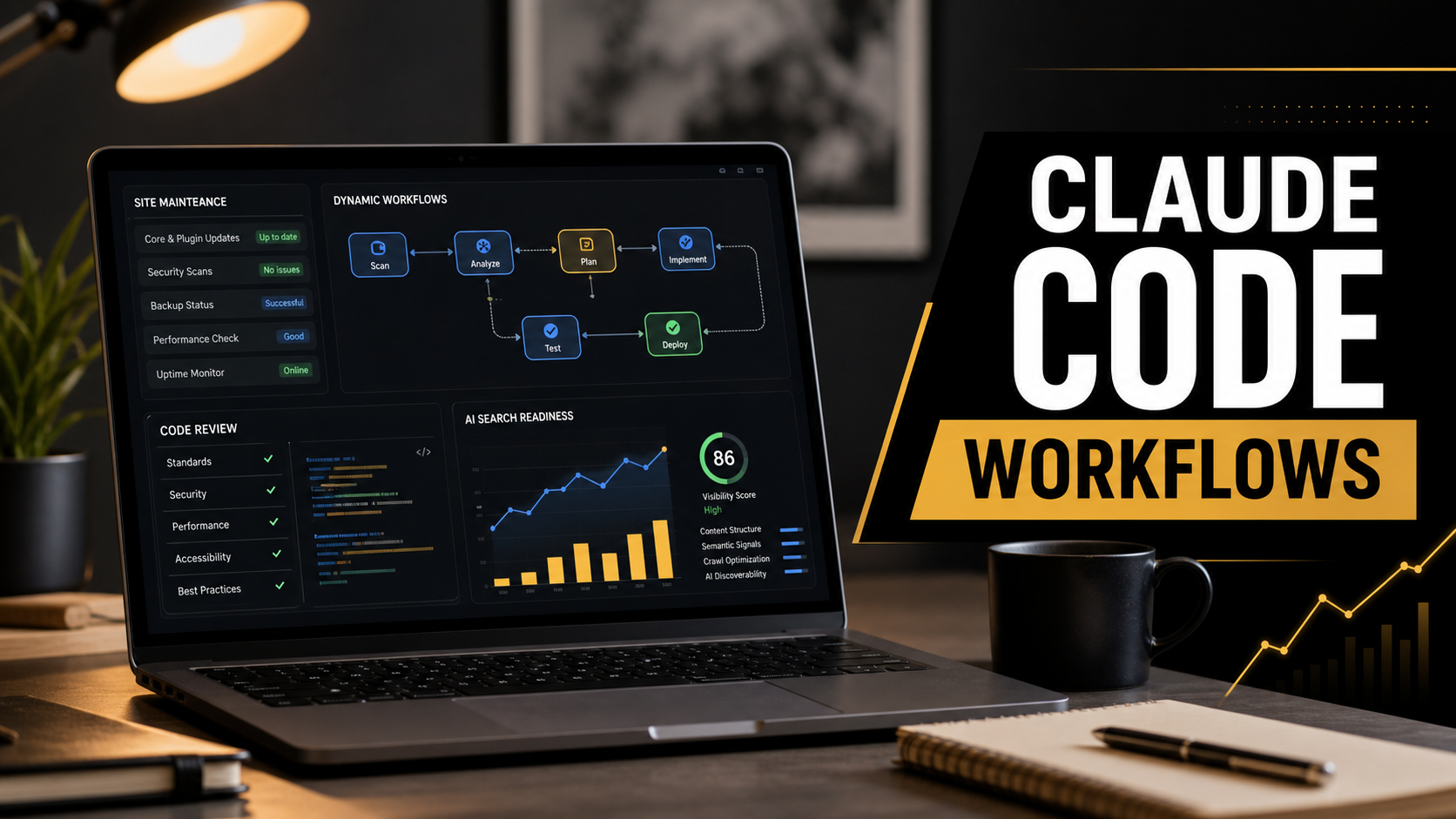
Claude Code just became more useful for the kind of WordPress work that quietly eats a freelancer’s week: site-wide audits, messy plugin migrations, form checks, technical SEO cleanup, and verification passes before a client update goes live. Anthropic announced dynamic workflows in Claude Code on May 28, 2026, alongside the broader Claude Opus 4.8 release. The short version is simple: Claude can plan a larger task, split it into parallel subagents, compare the results, and return one coordinated answer.
For a freelance web developer, that matters because most WordPress maintenance is not one neat bug. It is a chain of small risks. A plugin update breaks a checkout field. A page builder creates div-based buttons that look clickable to humans but are weak signals for assistive tools and AI agents. A security plugin adds a modal that blocks booking flow. SEO traffic changes, and the owner only notices after leads slow down.
I have been building and maintaining websites for 10 years, and my view is practical: Claude Code dynamic workflows should not be treated as a magic deploy button. They are best used as a deeper audit partner. Let Claude search broadly, compare patterns, and draft fixes. Then a developer should test, review, and apply only the changes that make sense for the site.
Quick Answer: What Are Claude Code Dynamic Workflows?
Claude Code dynamic workflows are a new Claude Code capability where Claude can create and run an orchestration plan for large development tasks. Instead of answering from one pass, it can break the job into smaller investigations, run subagents in parallel, verify findings, and combine them into a final report or implementation plan.
Anthropic says dynamic workflows are designed for codebase-wide bug hunts, performance audits, security audits, large migrations, and critical work that needs independent checking. The feature is available in Claude Code for eligible Max, Team, and Enterprise users, and Anthropic warns that it can use substantially more tokens than a normal session. That warning is important. A small WordPress fix does not need a dynamic workflow. A site-wide audit across a custom theme, child theme, plugins, mu-plugins, templates, and JavaScript assets might.
Why This Matters for WordPress Sites in 2026
The timing is not random. SEO and web development are both shifting from page visibility to task completion. Search Engine Journal recently framed AI visibility as moving beyond citations toward transactions, especially as agentic browsing and AI-assisted shopping flows become more common. I would not copy every claim from that article as final fact, but the direction is consistent with official Google guidance: websites now need to be readable, usable, and predictable for humans, crawlers, assistive technology, and AI agents.
Google’s own web.dev guidance on agent-friendly websites says modern agents use signals such as screenshots, raw HTML, and the accessibility tree. Google recommends semantic buttons and links, stable layouts, visible actions, proper labels, and clean interaction patterns. Those are not exotic AI tricks. They are the same fundamentals good developers have used for accessibility, SEO, and maintainable front ends for years.
Google also introduced Search Generative AI performance reports in Search Console in June 2026, giving site owners more direct visibility into impressions from AI Overviews, AI Mode, and generative Discover features. That makes technical cleanup easier to justify to clients. When a site wants visibility in AI search surfaces, it needs content clarity and code quality, not only keywords.
This connects directly to older Rikidesk guidance. If you have not read it yet, my earlier post on Google Search Console AI reports for WordPress SEO explains the reporting side. For Claude-specific setup thinking, the earlier Claude Code WordPress automation workflow is still a useful foundation. This article builds on both: how to use the newer workflow capability for bigger audits without letting AI make unchecked production changes.
The Best WordPress Jobs for Dynamic Workflows
Dynamic workflows make the most sense when the work is broad, repetitive, and easy to verify with tests or checklists. In WordPress, I would start with these five use cases.
1. Agent-Ready UX and Form Audits
For local service sites, booking forms and contact forms are often the real conversion engine. A dynamic workflow can inspect template files, shortcodes, form plugin output, JavaScript, labels, button markup, cookie banners, and modal behavior. The goal is to identify anything that makes the form harder for users, screen readers, crawlers, or browser agents to understand.
Ask Claude to report fields without real labels, buttons implemented as clickable divs, required actions hidden behind hover states, forms loaded only after heavy JavaScript, and layouts that shift after interaction. Then test the exact pages manually before changing anything.
2. Plugin Update Risk Review
When a plugin update touches forms, WooCommerce checkout, caching, security rules, or page builder assets, the risk is rarely obvious from the changelog alone. Claude can compare plugin-related templates, custom snippets, hooks, and overrides, then list the parts most likely to break. This is especially useful on sites that have accumulated code snippets over many years.
3. Technical SEO Cleanup
A workflow can scan templates and generated markup for missing headings, duplicated title patterns, thin archive templates, missing alt text conventions, schema conflicts, internal link gaps, and noindex mistakes. It can also compare the site’s content structure against the intent of key pages. For more SEO background, the older Rikidesk guide on Google AI Search SEO for WordPress pairs well with this audit style.
4. Security and Hardening Review
For custom themes and plugins, Claude can look for unsafe AJAX handlers, missing capability checks, weak nonce handling, direct file access, unsanitized output, and risky user input patterns. The important rule is that Claude should produce findings and suggested patches, not silently push changes. Security fixes need developer review.
5. Performance and Cache Compatibility
WordPress performance issues often come from theme scripts, plugin overlap, cache exclusions, render-blocking assets, and image handling. A dynamic workflow can split the job by template, asset type, plugin, and page type, then produce a prioritized list. If you are maintaining an older setup, my post on safe WordPress update preparation is a good companion because staging and rollback discipline matter more as automation becomes stronger.
Comparison: Normal Claude Code vs Dynamic Workflow
| Task type | Use normal Claude Code | Use dynamic workflows | Freelancer note |
|---|---|---|---|
| Fix one PHP warning | Yes | No | A normal focused session is cheaper and faster. |
| Audit every contact form and CTA | Maybe | Yes | Parallel checks help find repeated markup and UX issues. |
| Review one plugin changelog | Yes | No | Keep it scoped unless the plugin affects many templates. |
| Prepare a large WooCommerce migration | Maybe | Yes | Use workflows for discovery, risk mapping, and test planning. |
| Write a new landing page section | Yes | No | Dynamic workflows are unnecessary for small content tasks. |
| Run a security pass across theme and custom plugins | Maybe | Yes | Require manual review before applying patches. |
A Practical Claude Code Workflow for a WordPress Audit
Here is the process I would use for a real client site. The details change by project, but the order matters.
Step 1: Work on a Staging Copy
Never point a broad AI workflow at a live WordPress production folder first. Clone the site to staging, confirm backups, and make sure the staging copy has the same theme, plugins, PHP version, and key content types. If the site has WooCommerce or membership features, mask or avoid sensitive customer data.
Step 2: Define a Narrow Audit Goal
Bad prompt: audit my WordPress site. Better prompt: create a dynamic workflow that audits the theme, child theme, mu-plugins, and form-related templates for agent-friendly UX issues, accessibility labels, semantic buttons, JavaScript-only form rendering, and conversion blockers. Return findings with file paths, severity, evidence, and suggested fixes. Do not edit files until I approve a patch plan.
This kind of prompt gives Claude a job it can verify. It also prevents the common mistake of letting an agent wander through a project and return an impressive but unfocused report.
Step 3: Ask for Evidence Before Fixes
For each finding, require Claude to show the file path, the pattern it found, why it matters, and how to reproduce or inspect it. In WordPress, evidence might be a template file, shortcode output, hook callback, rendered HTML sample, Lighthouse issue, console error, or accessibility tree problem.
Step 4: Patch in Small Batches
After review, ask Claude to patch one category at a time. For example, fix labels first, then semantic buttons, then modal traps, then schema conflicts. Smaller batches are easier to test and easier to roll back.
Step 5: Verify With Human and Machine Tests
Use a browser, keyboard navigation, form submission tests, mobile viewport checks, Search Console, and your normal WordPress QA checklist. Claude can help write the checklist, but a developer should still confirm the result. This is where experience matters. I do not trust a tool because it sounds confident; I trust a fix after it survives testing.
Prompt You Can Adapt
Use this as a starting point inside Claude Code, then adjust it for the site’s real stack:
Create a dynamic workflow for a WordPress staging site audit.
Scope: active theme, child theme, mu-plugins, custom plugins, and rendered templates related to contact forms, booking forms, service pages, WooCommerce checkout if present, and primary conversion CTAs.
Goals: find agent-friendly UX issues, accessibility tree problems, semantic HTML issues, missing labels, JavaScript-only critical content, modal traps, heading structure problems, schema conflicts, and security-sensitive form handlers.
Rules: do not edit files yet. Return a prioritized report with file paths, evidence, severity, business impact, and suggested fix strategy. Separate confirmed issues from items that require manual browser testing.
Mistakes to Avoid
Do not run a broad workflow without a staging backup. The bigger the automation, the more important rollback becomes.
Do not accept every recommendation. Claude may identify real patterns but still suggest the wrong implementation for a specific theme or plugin.
Do not confuse agent-friendly with AI-only. The best fixes are usually standard web fundamentals: labels, headings, semantic controls, stable layouts, structured content, useful links, and fast rendering.
Do not ignore token cost. Anthropic specifically notes that dynamic workflows can consume more tokens. Use them for audits and migrations where the extra search depth pays for itself.
Do not skip client communication. If you are a freelancer, explain the value in business language: fewer broken forms, cleaner search visibility signals, safer updates, and better conversion reliability.
Expert Notes From a Freelancer’s Perspective
My favorite use for this feature is not replacing development work. It is replacing the boring first pass of discovery. A good WordPress audit usually means opening many files, checking repeated patterns, comparing the rendered page against the source, and building a risk list. That is exactly where parallel agent work can help.
The judgment still belongs to the developer. On a client site, I want Claude to accelerate the review, not own the final decision. A freelancer’s value is knowing which findings matter, which ones are harmless, which ones can wait, and which ones might affect revenue tomorrow.
For small business websites, I would prioritize contact forms, booking forms, service pages, local SEO pages, schema, mobile navigation, cookie banners, and performance. Those are the places where technical quality connects directly to leads.
FAQ
Is Claude Code dynamic workflows worth using for every WordPress site?
No. Use it for larger audits, migrations, security reviews, and repeated pattern checks. For one small bug, a normal Claude Code session is usually enough.
Can Claude Code safely update a live WordPress website?
I would not let it make broad live changes directly. Use staging, backups, version control where possible, small patches, and manual QA before production deployment.
Does this help with SEO?
Yes, indirectly. It can help find technical problems that affect crawlability, structured content, internal linking, accessibility, page quality, and AI-search readiness. It does not replace content strategy or Search Console analysis.
What is the biggest benefit for freelancers?
Speed during discovery. Claude can scan more patterns than a single developer can manually inspect in the same time, then the freelancer can use experience to decide what to fix first.
What should clients understand about AI-assisted audits?
They should understand that AI improves the review process, but the final quality still depends on developer oversight, testing, and clear business priorities.
Final Recommendation
Claude Code dynamic workflows are most valuable when you treat them as a senior audit assistant for broad WordPress maintenance work. Use them to inspect more of the site, compare findings, and produce a better risk map. Then slow down for the human part: choose the right fixes, test them carefully, and explain the business value clearly.
For WordPress freelancers, this is the practical advantage. The tools are getting stronger, but clients still need someone who can connect code quality, SEO visibility, accessibility, conversion paths, and maintenance discipline. That is where AI-assisted workflows become useful instead of noisy.
Sources
- Anthropic Claude: Introducing dynamic workflows in Claude Code
- Anthropic: Introducing Claude Opus 4.8
- Google web.dev: Build agent-friendly websites
- Google Search Central: Search Generative AI performance reports in Search Console
- Search Engine Journal: AI visibility, agentic search, and transaction readiness
- Google Blog: Universal Cart and agentic shopping